
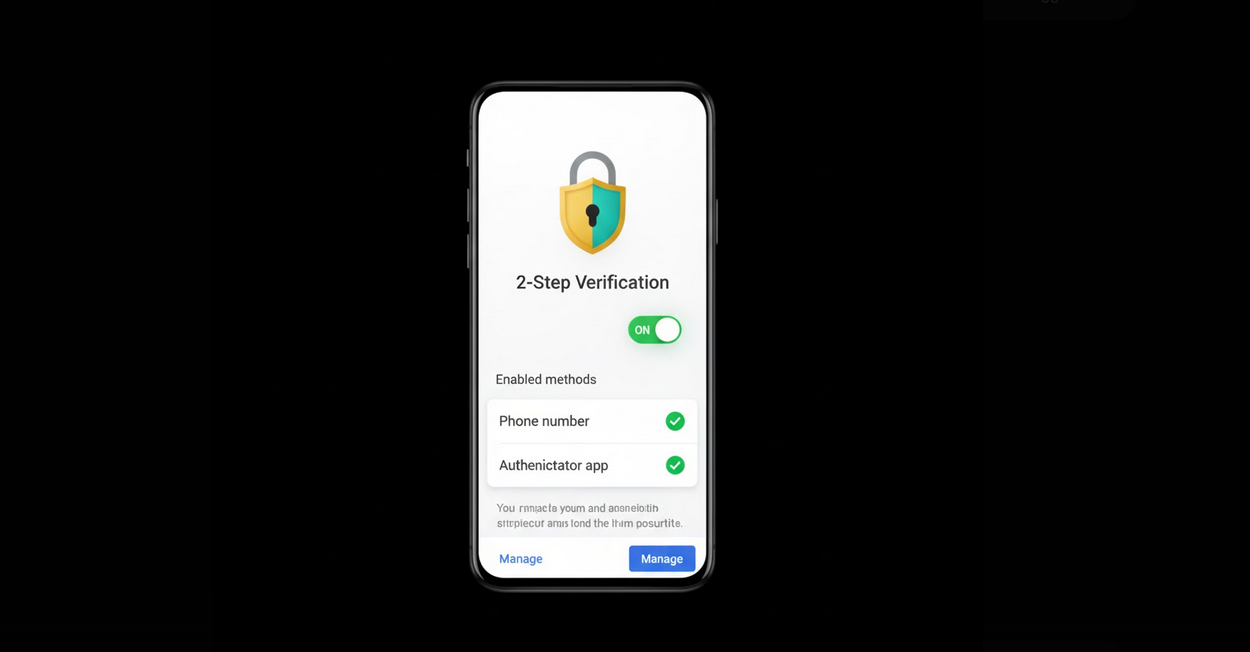
YouTube keeps a lot of confidential data about you: from your history of videos watched to subscriptions and comments. However, the most dangerous thing is that some people link their bank account or PayPal to their YouTube and withdraw money. Therefore, two-factor authentication is exactly what you need in order to keep your personal data secure.
What is 2FA?
Two-factor authentication (2FA) is a kind of identification of your identity through two separate factors when you log into your account. Password will be the first factor of authentication and the code sent to your mobile phone either via SMS or any authentication app will be the second one.
Why You Need 2FA
Protection against password breaches: every day, hackers breach millions of passwords which means that yours might be breached anytime.
Protection against phishing attacks: even if your password was stolen in a result of the phishing attack, you are still protected thanks to 2FA code which cannot be breached.
Your chances to recover your account are lower: if you activated 2FA, you will not be able to recover your account if it was compromised.
To protect your account from hijackers if you are a content creator: if you have a monetized channel on YouTube, your account is definitely more valuable and it earns more money than usual one.
How to Activate 2FA for Your Google Account
As YouTube uses the same login page as Google, enabling 2FA on Google account automatically activates it for YouTube.
Step 1: go to https://myaccount.google.com
Step 2: sign in to your account
Step 3: click on the Security tab on the left side of the page
Step 4: find “Signing in to Google” section and click on “2-Step Verification”
Step 5: follow the instructions to add either your phone number or any 2FA app
Methods of 2FA
SMS: the code will be sent to your phone number in a form of a text message.
Authenticator apps: Google Authenticator, Authy, Microsoft or any other app to generate one-time 2FA code.
Security Key: physical security key such as YubiKey.
Google Prompt: push notification is sent to your device and asks whether you want to let the app access your Google account.
Backup codes: one-time codes generated and stored in case you will not be able to receive your codes using 2FA methods.
2FA for YouTube Vanced
2FA works the same way for YouTube Vanced as for YouTube. Once you logged into your account using Vanced MicroG, 2FA verification will be performed automatically as it is supposed to happen when you use the official application. You will be safe and able to enjoy ad-free viewing and background playing using YouTube Vanced.
Tips for Secure Accounts
Create strong passwords: create complicated passwords and do not use the same passwords on different websites.
Activate 2FA right away: there is no reason for you to wait until you activate two-factor authentication.
Use 2FA apps instead of SMS method to ensure you are protected.
Save your backup codes in a safe place in case you will not be able to receive your codes using 2FA methods.
Check active sessions of your Google account and remove unknown devices.
Do not open phishing links where you will be asked to enter your login data.
Who Should Activate 2FA?
All YouTube users: the more secure your account is, the happier you will be regardless of how you use it.
Content creators: those people who have subscribers and videos on YouTube and earn money through this platform.
Users with payments linked to their Google account.
Businesses managing brand accounts.
Conclusion
Two-factor authentication is one of the easiest ways to protect yourself from any hacks on YouTube and Google. To use it, you will need to spend only a few minutes. And after that you will be safer while using your favorite streaming site.
